wslot brings slots, tables and account access together
Speed Blackjack, Cleocatra, Rocket Crash and Super Bingo sit in one lobby with DANA, OVO, GoPay and QRIS funding, so you can open your account and…

Slots and casino rooms for Indonesia
The first lobby view puts casino tables, slots and quick-round games in separate rows, so you can move from Cleocatra to Speed Blackjack without hunting through long menus.
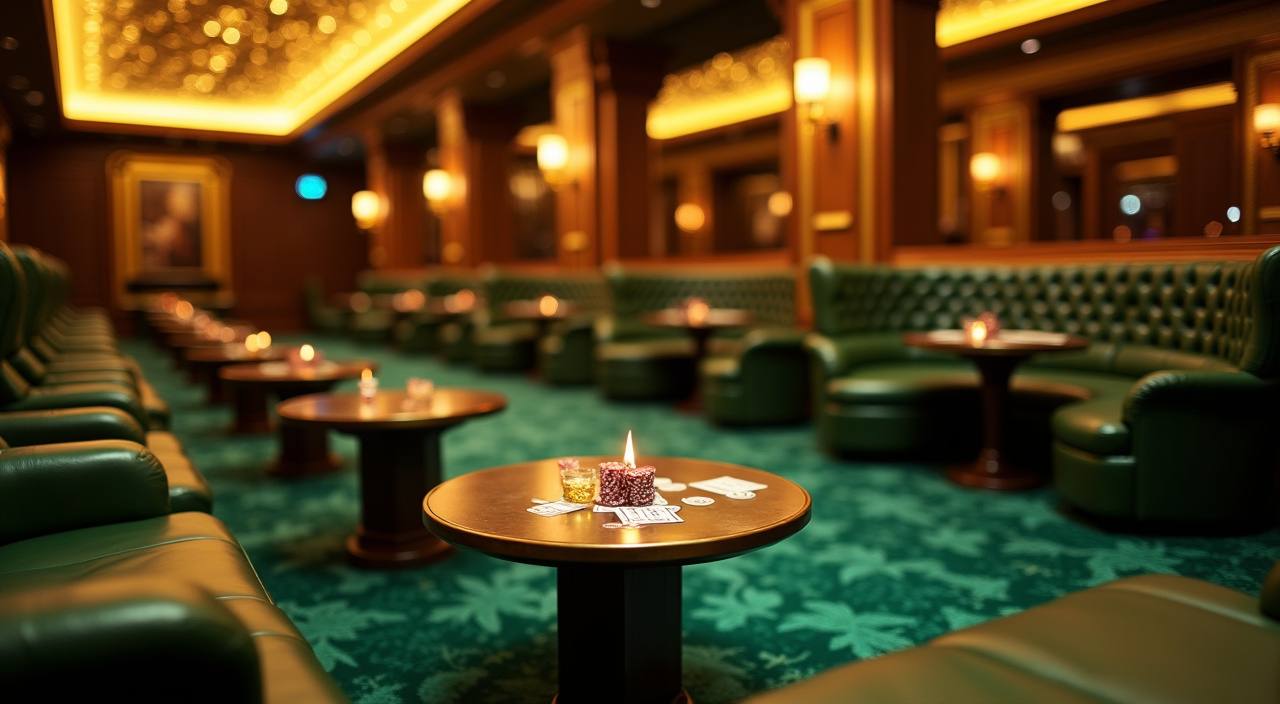









Cleocatra, Rocket Crash and slot access

Slot time is easier when the lobby tells you what kind of session you are opening before you tap. Cleocatra sits with feature-led slots, Rocket Crash is placed with fast decision games, and Super Bingo has its own room for number-card sessions. We separate these from live casino tables because the rhythm is different: slots are quick to enter, while
tables need a seat and a streamed round. Your account page keeps recent rooms nearby, so returning to a title does not mean starting from the full catalogue every time.
What you can check before joining

Opening your account without extra steps
Your first account step is short: choose a username, set a password, add a reachable phone number, then confirm the wallet name you plan to use. We keep that order because payment names must match before withdrawal review can move smoothly. After login, the cashier and game lobby appear in the same header, so you do not need to leave
the home area to fund your balance. If a detail looks wrong, change it before making your first deposit.
Speed Blackjack and live casino flow
DANA, OVO, GoPay and QRIS deposits
Deposits are built around payment names you already recognise in Indonesia. Choose DANA, OVO, GoPay or QRIS in the cashier, enter the amount, then confirm through the payment screen shown by that rail. Most successful deposits appear in the account balance in under a minute, although bank-side delays can happen during maintenance windows. We show the chosen rail, amount and
account name before submission because a small mismatch can slow the next withdrawal check.
How we handle access and checks
Trust on the home page should come from visible operations, not broad claims. We show payment rails before deposit, keep account verification tied to your wallet name, and separate support channels by…
Wallet name matching
Withdrawal checks compare your account details with the wallet or bank name provided, helping reduce avoidable delays when you request a payout.
Clear session access
The login area shows whether you are inside your account, and the cashier stays behind account access rather than appearing as a public form.
Local payment display
DANA, OVO, GoPay and QRIS are named directly in the cashier so you can choose a rail without guessing from generic wallet labels.
Support record trail
Live chat handles quick lobby and wallet questions, while account inbox and email keep longer verification messages easier to trace.

Mobile lobby use from Denpasar or home
The mobile layout opens with wallet, search and category tabs at thumb height, which helps when you are checking the lobby from Denpasar or anywhere else in Indonesia. Slots load as swipeable rows, while live tables keep a larger preview because the stream matters before entry. Add the site to your phone home screen if your browser supports it; the
same login still controls balance, cashier and account messages. On a wider screen, more rooms appear per row, but the account steps stay the same.
Indonesia wallet choices inside wslot
The cashier is designed so you can choose a local rail before you think about game selection.
Basketball Betting beside casino rooms
Sportsbook access sits near casino and slots instead of on a separate site, so you can move between Basketball Betting, Royal Fishing and slot rooms from one balance.
Withdrawals and account name review

A withdrawal starts from your account wallet, not from a game room. Enter the requested amount, choose the saved rail, then make sure the receiving name matches the account details already verified. Our team checks payout requests for amount, wallet identity and account status before processing. If we need more detail, we contact you through the account inbox or email
rather than asking inside a game screen. Keeping your phone number and email current helps us resolve questions faster.
Support hours for account questions
Support should be reachable before a payment or login issue becomes stressful. Our live chat is open from 10:00 to 02:00 WIB for cashier questions, lobby access and basic account help. The account inbox is better for follow-up because it keeps the ticket attached to your login. Email is used when we need screenshots, wallet proof or a longer explanation that should not be squeezed into a chat window.
Live chat
Use live chat from 10:00 to 02:00 WIB when you need a quick answer about login, deposits, lobby loading or a missing confirmation screen.
Account inbox
The inbox keeps support replies inside your login, which helps when a withdrawal check or wallet update needs more than one message.
Email support
Email is suited for screenshots, document checks and detailed payment questions that require a clear record beyond a short chat session.
Indonesia access where local law permits
We built the home page to make regional access clear without making claims we cannot show. Your ability to open and use an account depends on local law, and payment availability can also vary by rail status or maintenance. If a method is temporarily unavailable, the cashier shows another supported option rather than taking you through a failed flow. Keep
your browser updated, allow basic security checks, and use your own account details so support can help when something needs verification.
Questions before opening your account
These are the questions we expect you to ask from the home page before you decide whether to join. We answer them with account steps, wallet details and lobby behaviour rather than broad promises, so you can check whether the setup fits how you usually play. If your question involves eligibility, remember that access depends on local law.